
What the code on your invitation should open
A QR code is a web address turned into a pattern a phone camera can read, so the first decision is the page, not the design. Most couples already have a wedding website with the RSVP form, the registry and the hotel details on it, and that's usually the best place to send guests. That's why one QR code for wedding website visits beats three separate codes crowding the card. A QR code for a website link takes a few seconds to make in Setrik QR.
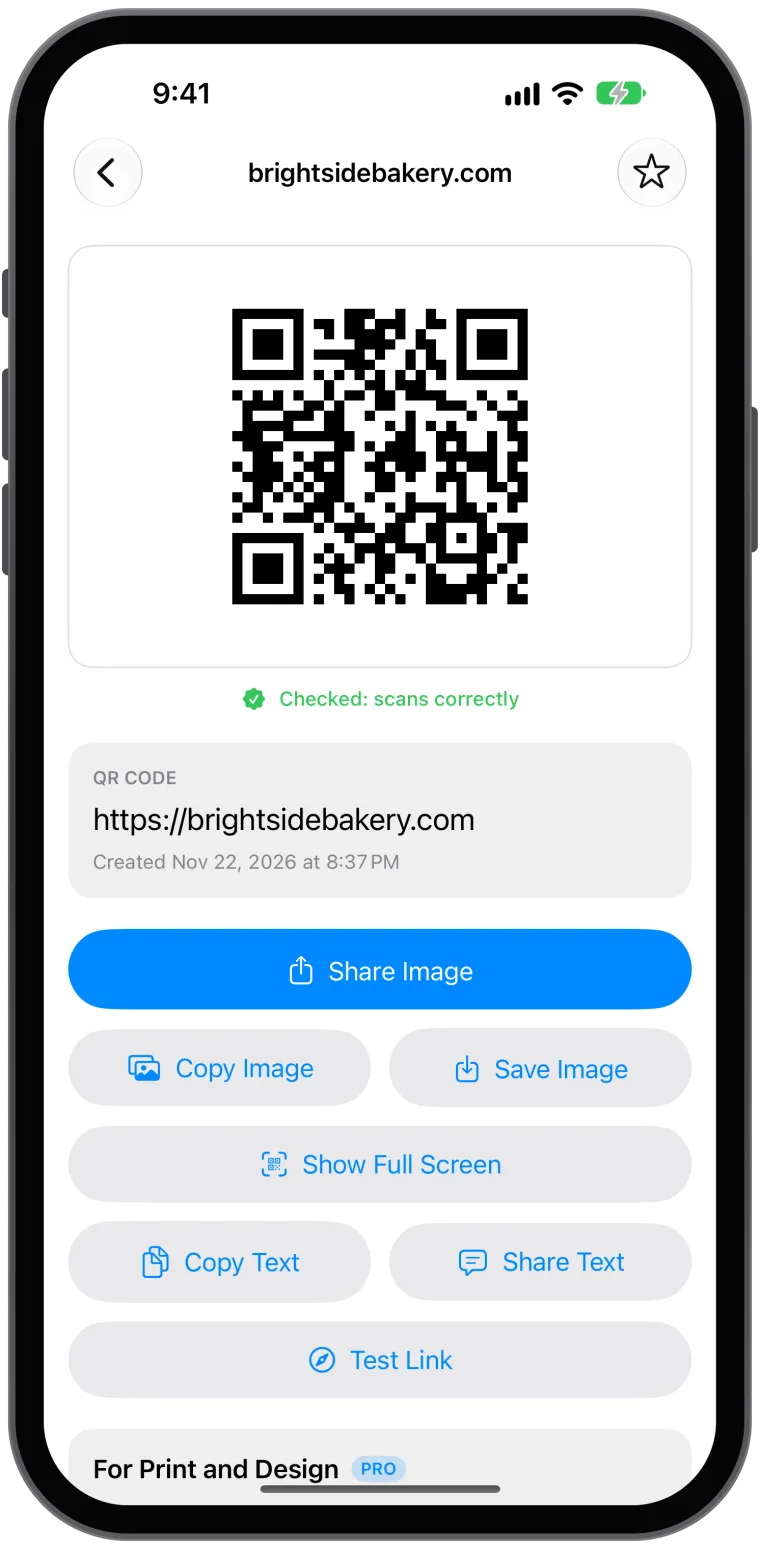
Pages that make sense behind the code
The RSVP form
The most useful choice on the reply card, because replying is the one thing every guest has to do.
Your wedding website
The best choice for the main invitation, since it holds the schedule, dress code, travel tips and RSVP in one place.
The registry
Better on an insert card or the website than on the invitation itself.
Directions to the venue
A map link on the details card helps guests driving in from out of town.
One thing to know before you print: a plain QR code holds the web address itself, so it never expires and doesn't depend on our servers or anyone else's. That also means a printed code can't be changed later. If your wedding website moves to a new address, the printed code still points to the old one. Pick the address you'll keep until after the big day, and make the code from that.
A wedding invitation with QR code RSVP that every guest can use
A code on its own is just a square of dots, and some guests won't know what it's for. A short line under it, like "Scan to RSVP" or "Scan for our wedding website", tells them. In Setrik QR, that line is called a caption: it's free, up to 40 characters, and it's printed under the code on every image and PDF you make. The steps for adding a caption under a code take less than a minute. With Setrik QR Pro you can also put the code and caption inside a border or a "Scan Me" banner frame.
Then think about the guests who won't scan at all. It often goes like this: a grandmother gets the invitation, has no idea what the square is, and calls the bride's mother to ask. Print the web address in plain type next to the code, kept short (yourname.com/rsvp reads better than a long string), along with the RSVP date. A wedding invitation with QR code should make replying easier for most guests without making it harder for the rest.
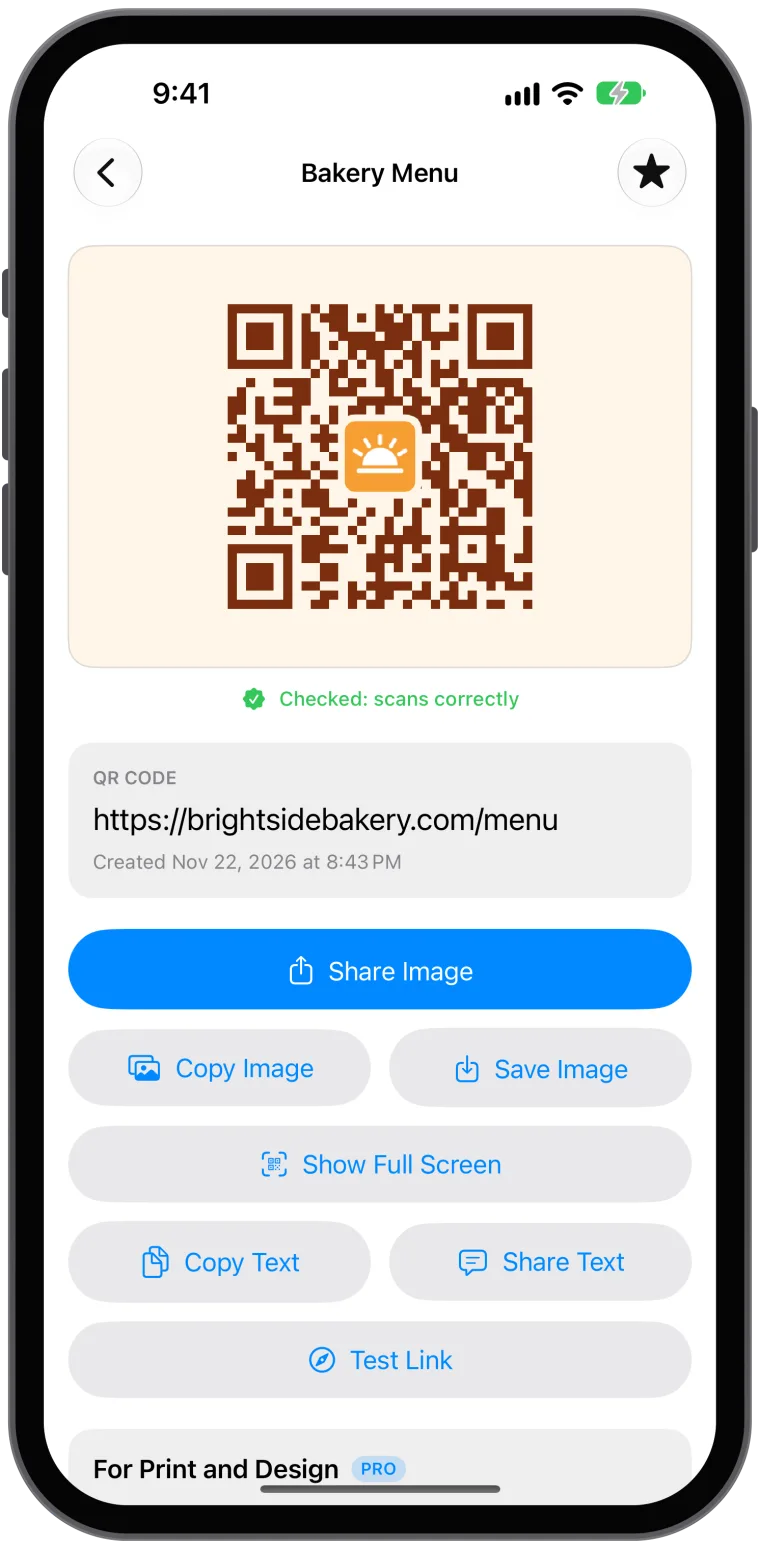
Colors that match the wedding and still scan
Black on white always scans, but it can look out of place on a blush or sage invitation. You can match the colors as long as the code stays dark and the background stays light: deep green on cream, navy on ivory, dark brown on blush. Light codes on dark backgrounds, like gold on navy, often fail on phones. Setrik QR Pro lets you pick both colors and warns you if they're too close to scan, and the steps to change the colors of a QR code are short.
Pro can also put a small picture in the middle of the code, such as a monogram. Picture Maria Lopez and her partner, whose initials are on every piece of their stationery: the monogram can sit in the center, and the app switches the code to its strongest error correction, which means it can still be read even though the logo covers part of the pattern. After any change to colors or the logo, the app reads the code back and shows "Checked: scans correctly" before you send it anywhere.
Your colors, your logo
Match your stationery, and the app warns you if the colors won't scan.
How big the code should be, and where it goes
Guests scan an invitation from a hand's length away, so it doesn't need to be large. A common rule of thumb is about 2 cm (0.8 in) wide at the very least, and a little bigger, around 2.5 cm (1 in), is more comfortable for older phones. Leave a blank border around the code too. That margin, sometimes called the quiet zone, helps the phone see where the code starts; DENSO WAVE, the company that invented the QR code, calls for a margin four modules wide on every side, a module being one of the small squares in the pattern.
The reply card or a details card is the natural home for it, since that's where guests look for what to do next; on the main invitation, a lower corner or the back keeps the front elegant. Avoid placing the code over a photo, glitter or a textured pattern. Skip shiny foil on the code itself too, because glare can stop a camera from reading it. A wedding invitation with QR code should still look like a wedding invitation first.
Test it before you order the prints
Stationers and print shops usually want a print-quality file. With Setrik QR Pro you can export a QR code SVG or PDF that stays sharp at any size, which is what a design app or a printer expects. Then print one test copy at the real size and scan it with a few different phones in normal room light. Each iPhone's Camera app reads QR codes on its own, as Apple explains in its QR code scanning guide, so ask a friend with an older phone to try it too.
Six checks before the invitations go to print
Right page
Scan the code and make sure it opens the page you meant, not a draft or editing page.
Address that lasts
Use the web address you'll keep until after the wedding, because a printed code always opens the same address.
Big enough
Keep the code at least about 2 cm (0.8 in) wide, with a clear margin all the way around.
Dark on light
Choose a dark code on a light background, and check that the app still says it scans.
A short caption
Add a line like "Scan to RSVP" so guests know what the code is for.
A typed address too
Print the web address and RSVP date next to the code for guests who won't scan.
The bottom line
So, is a wedding invitation with QR code a good idea?
For most couples, yes. A wedding invitation with QR code saves guests from typing a long address, gets RSVPs back faster, and puts the schedule and registry one scan away. Keep it to one code that opens a page you control, add a short caption, keep the colors dark on light, and print the address next to it for the guests who'd rather type. Test a printed copy with a few phones before you order.
QR codes that never expire
Make it on your iPhone in seconds, check that it scans, and put it on your flyer, card or sign. No ads, no subscription.
See how it works