
QR codes that don't expire: how a plain code works
A QR code is a picture of information. When you make one for a bakery's website, the square pattern spells out the address itself, something like https://brightsidebakery.com, and any phone camera can read it back. There's no clock in the pattern, no account and no company that has to stay in business. People call this a static code; in plain words, the code holds the real address and nothing else. DENSO WAVE, the company that invented the QR code, says in its QR code FAQ that anyone can use the code freely by following the standard, with no license or contract needed.
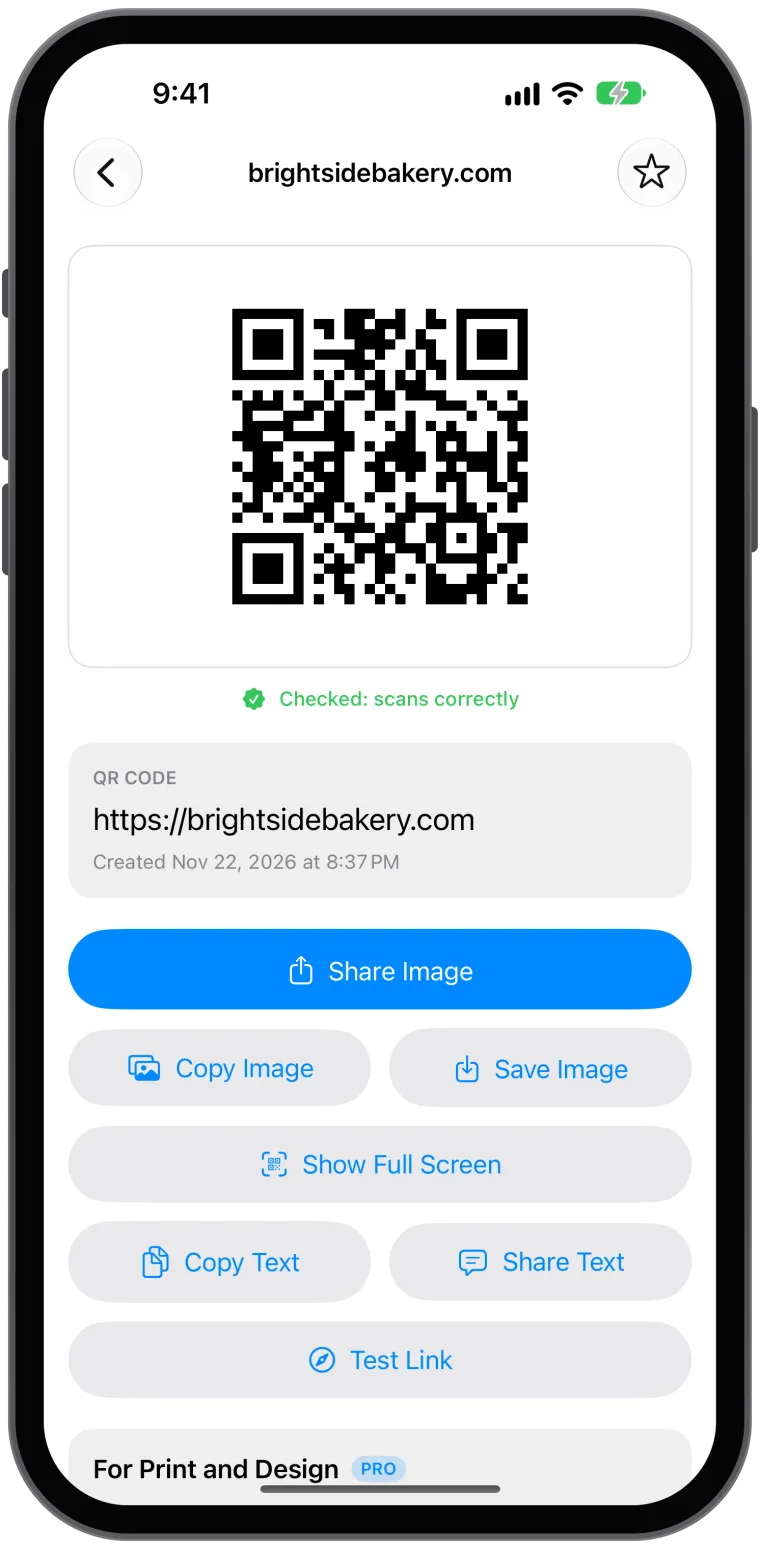
So do QR codes expire on their own? A plain one doesn't. It keeps working for as long as it's printed clearly and the page it points to is still there. Setrik QR makes only this plain kind: you paste a link, the app draws a code that holds that exact address, and it reads its own code back to check it scans. Nothing goes through our servers, so there's nothing on our side that could expire. The help article on making a QR code for your website walks through the taps.
Do QR codes expire when they come from a website?
Some do, and this is where most of the stories come from. Many code-making websites make what they call dynamic codes. Instead of your address, the code holds a short link to the company's own server, which then forwards each scan to your page. That middle step is what lets them offer things a plain code can't, such as changing where the code points after printing and counting scans. It also means the code only works while that company keeps forwarding it, and many tie that to an account or a paid plan.
It often goes like this: someone makes a code on a site that looks free, prints 500 flyers, and a couple of weeks later the trial period ends. The site stops forwarding the short link until a monthly plan is paid, and every printed flyer now leads to a sign-up page or an error. Not every site works this way, and some charge fairly for a service people really use. But if a code was made on a website with an account and a plan, read the terms before you print it in bulk.
3 reasons a QR code stops working
The plan behind it ended
The code points to a company's server, and the company stopped forwarding it, often when a trial or subscription ran out.
The page it points to is gone
The code still works perfectly, but the website moved, the menu file was deleted or the form was closed, so people land on an error page.
Phones can't read it
It was printed too small, in colors that are too light, faded in the sun or got cut off at the edge, so the pattern itself can't be read.
When people ask "do QR codes expire," they usually mean the first one, and it's the only true expiry. The second is about the page, not the code: point the code at an address you control, like your own website, and keep that page alive. The third is about printing, and it's the easiest to avoid. Before you hand out a stack of flyers, scan a printed copy with a phone, as the help article on checking that a code scans explains.
A QR code for any link.
How to tell which kind of code you have
You can check any code in a few seconds, and it's the quickest way to answer do QR codes expire for the one in your hand. Scan it with your iPhone camera or a scanner app, and read the address it shows before you open it. If you see your own website, like brightsidebakery.com, it's a plain code that holds your address. If you see a short address on another company's website, it's going through that company first. Setrik QR, a free QR code and barcode scanner for iPhone, shows the full address on screen before anything opens.
Reading the address first is a good habit for safety too: the FTC advises people to inspect the web address before opening a link from a QR code. If it turns out your own code goes through a company with a plan, there's no need to panic. As long as the plan is active, the code works; the risk is only for the day it isn't. When you next reprint, swap it for a plain code that holds your real address, and that worry is gone.
What a plain code can't do
Being honest about the trade-off matters here. Because a plain code holds the address itself, a printed copy can never be changed, and nobody can count how many people scanned it. If you need to change where a printed code points next month, or report scan numbers to a client, a dynamic service is built for that, and paying for one can make sense. For most flyers, menus, business cards and signs, though, the address stays the same for years, and a code that simply works is what you want.
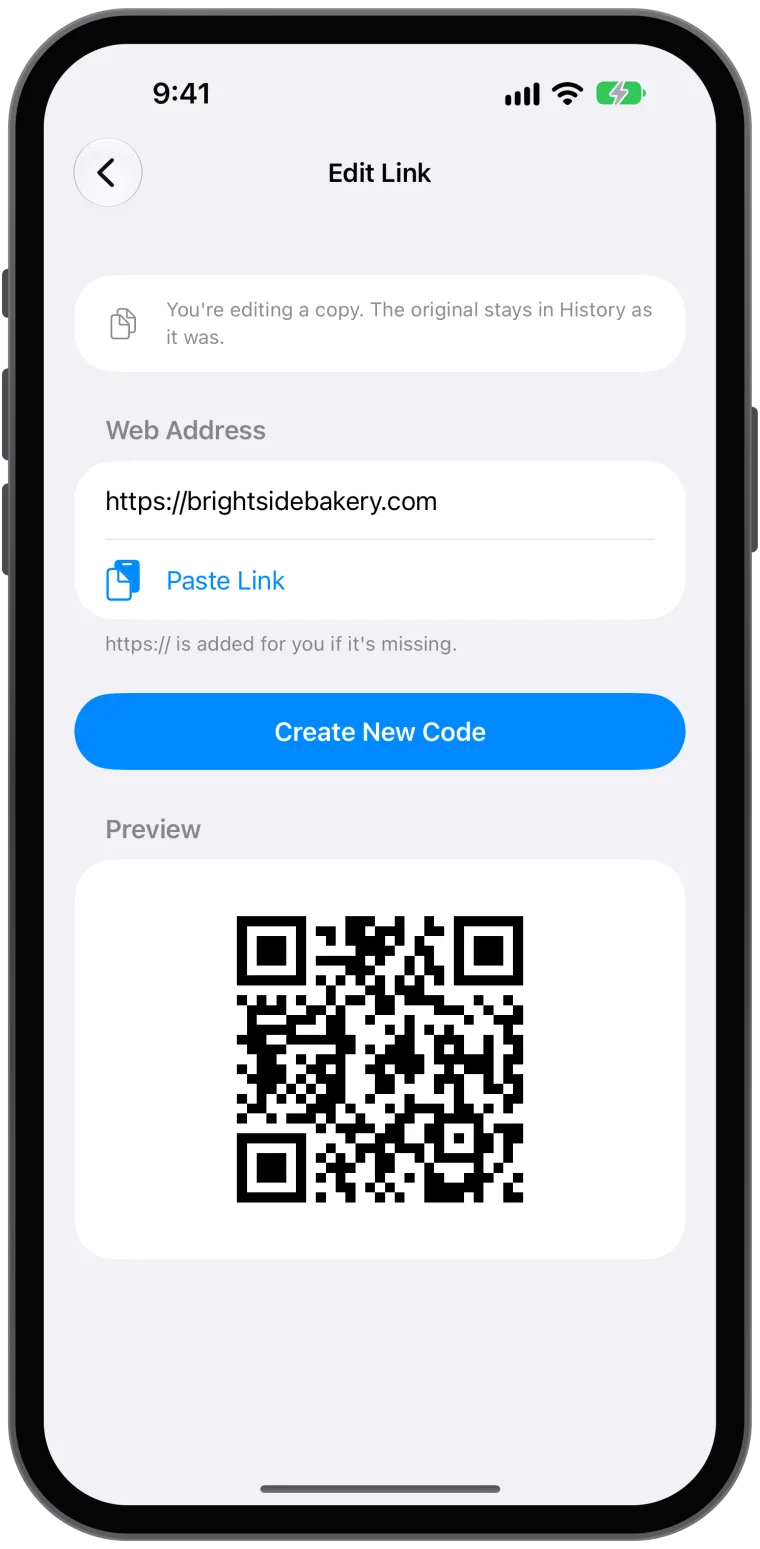
Setrik QR does let you fix a saved code in the app with Edit, for example when you spot a typo before printing. The app then draws a new picture with the new details, and copies you already printed or shared keep the old ones. For a code you didn't save, Edit a Copy makes a new code and leaves the original in History as it was. So the safe order never changes: get the address right, check that it scans, then print. The help article on editing a saved code shows how.
Pay once. No subscription.
The bottom line
So, do QR codes expire?
A plain QR code doesn't. It holds your address, and it scans for as long as it's printed clearly and the page behind it is still there. Codes that go through a company's server can stop when the plan behind them ends, which is the only true kind of QR code expiry. You can tell which kind you have by scanning it and reading the address. If you're making a new code for something you'll print, a plain one that holds your real address is the safe choice, and making one in Setrik QR costs nothing.
What if a code you already printed has stopped working? Only the company that runs the short link can switch it back on, usually by renewing the plan, so that's the first place to look if you still have the account. If you don't, the printed copies can't be fixed; they need a new code. Make the replacement a plain one that holds your real address, check that it scans, and the reprint won't run into the same problem again.
QR codes that never expire
Make it on your iPhone in seconds, check that it scans, and put it on your flyer, card or sign. No ads, no subscription.
See how it works