
How a QR code scam works
A QR code scam doesn't break the code itself. A QR code is just a link written in squares, so a scammer makes a code for a fake website and puts it where you'd expect a real one. The fake page looks like a parking app, a delivery company or a bank, and asks you to pay or log in. This is sometimes called quishing, a mix of "QR" and "phishing". The FBI's Internet Crime Complaint Center warned about tampered QR codes used to steal login and payment details. Since you can't see the link in the squares, the only way to know where a code goes is to scan it and read what's inside.
Where fake codes tend to show up
Parking meters
Scammers have stuck their own codes over the real ones on parking meters, so the payment goes to them instead of the city.
Emails and texts
A message says a delivery failed, your account has a problem or your password must change, and a code is the way to fix it.
Unexpected packages
A box you didn't order arrives with a note asking you to scan a code to find out who sent it or how to return it.
Fake bills and fines
A message about an unpaid ticket, toll or bill asks you to scan a code and pay right away.
Signs, flyers and posters
Any printed code can be covered with a sticker, so a public code is only as trustworthy as the paper it's on.
Read the link before you open it
The best defense takes a few seconds of reading. When your phone scans a code, it shows you the link before anything opens, and that's your chance to check it. The FTC's advice on harmful links hidden in QR codes is to look closely at the address for misspellings or swapped letters, since fake sites often copy a real name with one small change. Look at the main part of the address, the word just before .com, .org or .gov, and ask whether it's the company you expected. Picture paying for parking downtown and seeing a name you've never heard of: that's your cue to stop.
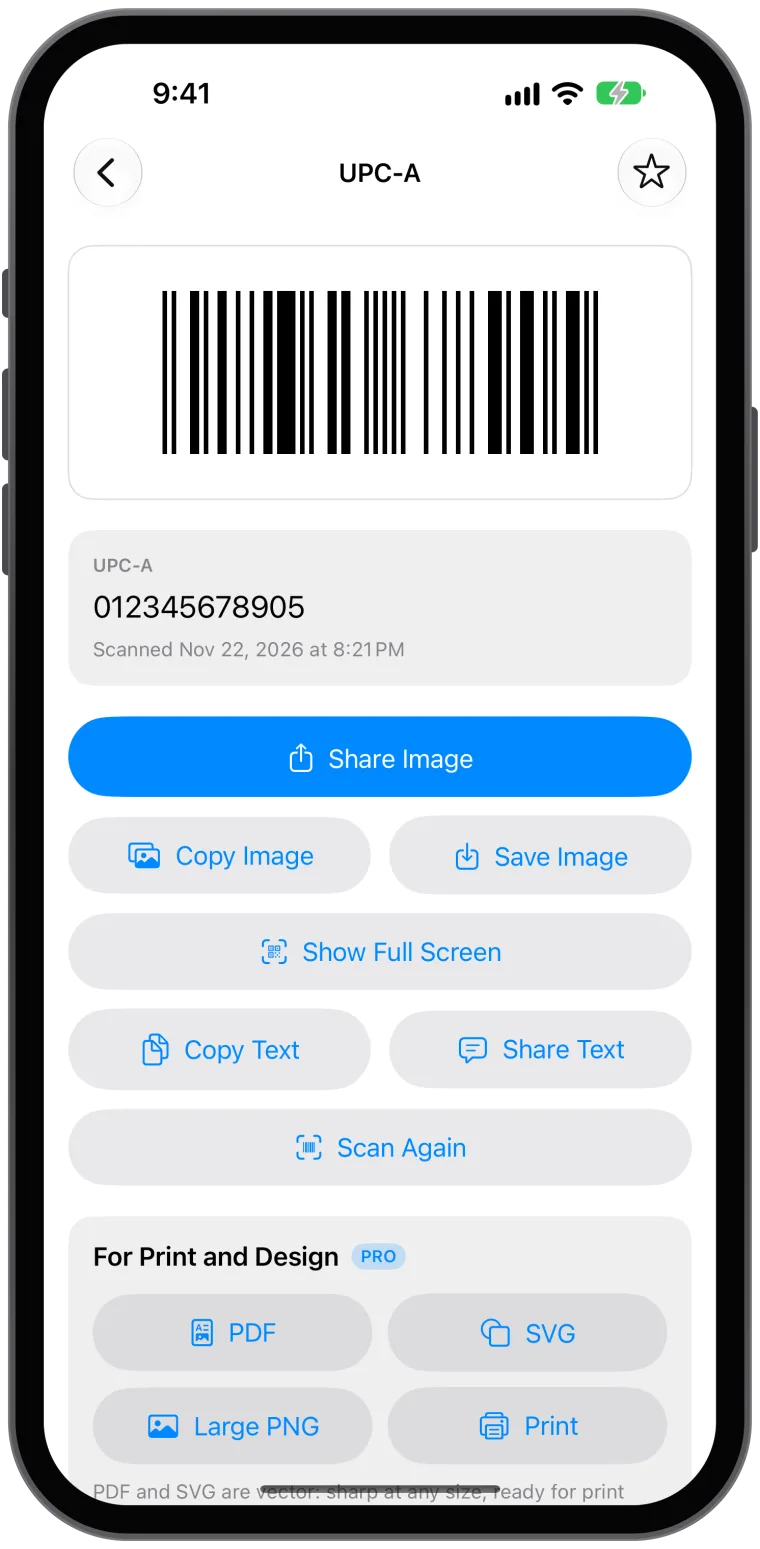
Setrik QR is built so you read first. When you scan a code with it, nothing opens by itself: the result screen shows the full address, and you tap Open Link only when you're happy with it. There are no ads on that screen to tap by mistake, and scanning is free and unlimited. The help article on opening a link from a scanned code shows what each button does. To be clear, the app doesn't judge whether a link is safe. It gives you a clear look at the address, and the decision stays with you.
6 warning signs of a QR code scam
Signs a code may not be what it seems
The code is a sticker
A label stuck on top of a printed sign, or one with peeling or crooked edges, may be covering the real code.
The address looks a little off
A misspelled company name, an extra letter or a long jumble of random characters is a reason to stop.
It's in a hurry
Urgent messages about a failed delivery, a locked account or a fine due today are meant to rush you past your doubts.
It asks you to sign in
A page opened from a code that wants your email, bank or shopping password deserves extra suspicion.
You weren't expecting it
A code in an email, text or package you didn't ask for is exactly the setup the FTC warns about.
It wants you to install something
Get apps only from the App Store; the FBI advises downloading apps from your phone's app store, not from a QR code.
One of these signs on its own doesn't prove a code is fake. A real restaurant might use a sticker, and a real company might send a code by email. But two or more together, especially a payment or a password request, are enough to walk away from the code and find another way. You lose a minute by checking, and a QR code scam that gets your card number can cost far more than that. When in doubt, leave the code and go to the company yourself.
Checking a code that's on your own screen
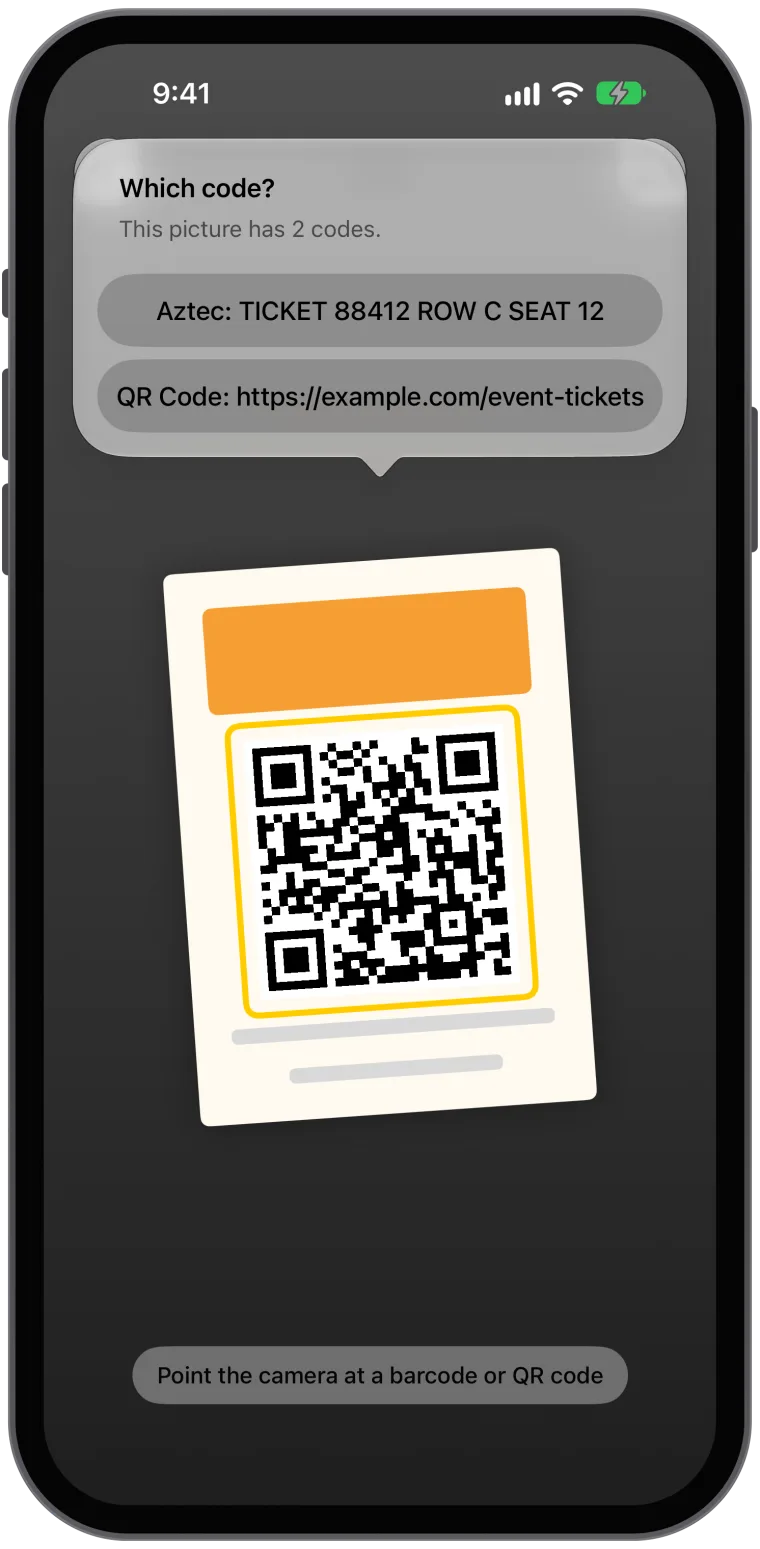
Codes in emails and texts are tricky, because they're on the same phone you would scan with. One option is to take a screenshot and read it with Setrik QR's scan from a photo, part of Setrik QR Pro, a one-time purchase. It shows what each code holds before you open anything, and if a picture has more than one code, it lists them so you can choose. The picture is read on your iPhone and isn't kept.
Reading the link is only half the job, though. If the message itself was unexpected, the safest move is to skip its code no matter what the address says, because a convincing fake can use a name that looks right at a glance. The help article on scanning a code from a photo has the steps, and it works for tickets and boarding passes too. Use it to look, then decide whether to open anything at all.
Read a code from a screenshot.
See what a code in an email or photo holds before you open it.
Safer habits when you scan
Most of the time, the safest move is simply to go around the code. If a parking sign, bill or message asks you to pay, type the company's real web address yourself or use its official app instead, as the FBI suggests. If a message might be real, contact the company through a phone number or website you already know, never one from the message. Don't sign in or pay on a page a code opened unless you were expecting exactly that page. And keep your iPhone up to date and turn on two-step sign-in for your important accounts, which the FTC recommends so one stolen password does less harm.
What to do if you opened a fake link
If you think you scanned a bad code, don't panic, and don't contact the site it took you to, as the FTC's warning about fake parking codes advises. If you typed a password, change it right away, along with any other account that uses the same one. If you entered card or bank details, call your bank or card company using the number on your card, and watch your statements for charges you don't recognize. Then report it to the FTC at ReportFraud.ftc.gov. Reporting won't always get money back, but it helps others avoid the same QR code scam.
The bottom line
So, how do you avoid a QR code scam?
You don't need to stop using QR codes; most of them are exactly what they look like. Avoiding a QR code scam comes down to a few seconds of attention: check printed codes for stickers, read the address before you open it, and be wary of any code that arrives out of the blue or asks for money or a password. When something feels off, skip the code and type the address you already know. With that habit, a menu is still just a menu, and a fake parking sticker gets nothing from you.
See where a code goes before you open it
Scan any QR code or barcode and read the link first, with no ads in the way. Scanning is free and unlimited.
See the scanner