Text to QR code
Words that show up when you scan
A text QR code holds any words or numbers. When someone scans it, the text shows on their phone, with no website and no internet needed. It’s plain text to read, not a text message.
Free to make and share.
Any characters, including accents and emoji.

Free to download · For iPhone · Requires iOS 26 or later
How it works
Turn text into a QR code
1
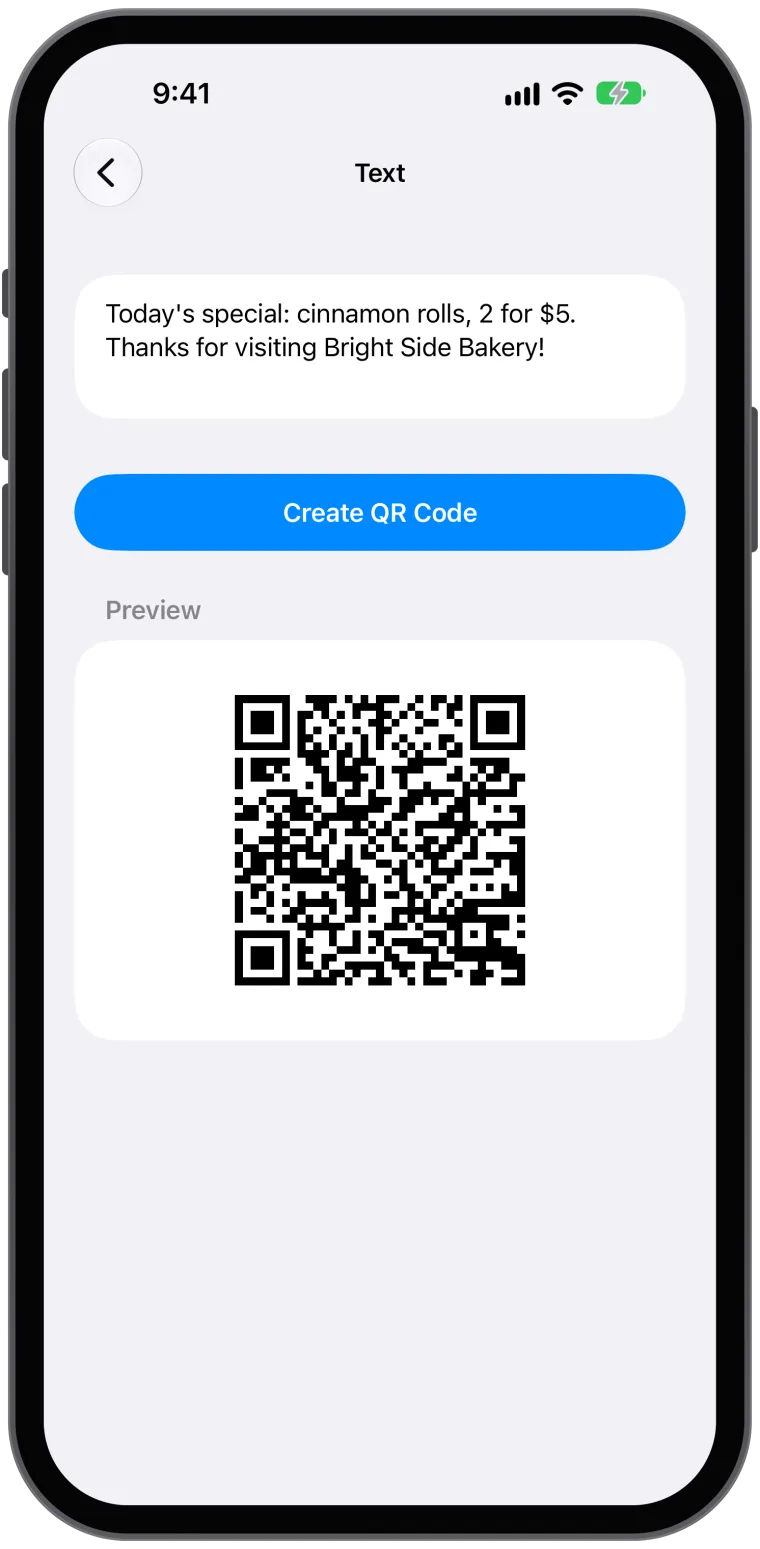
Tap Create, then Text
“Any words or numbers.”
2
Type your text
As many lines as you need. The code is named after the first line.
3
Print it or share it
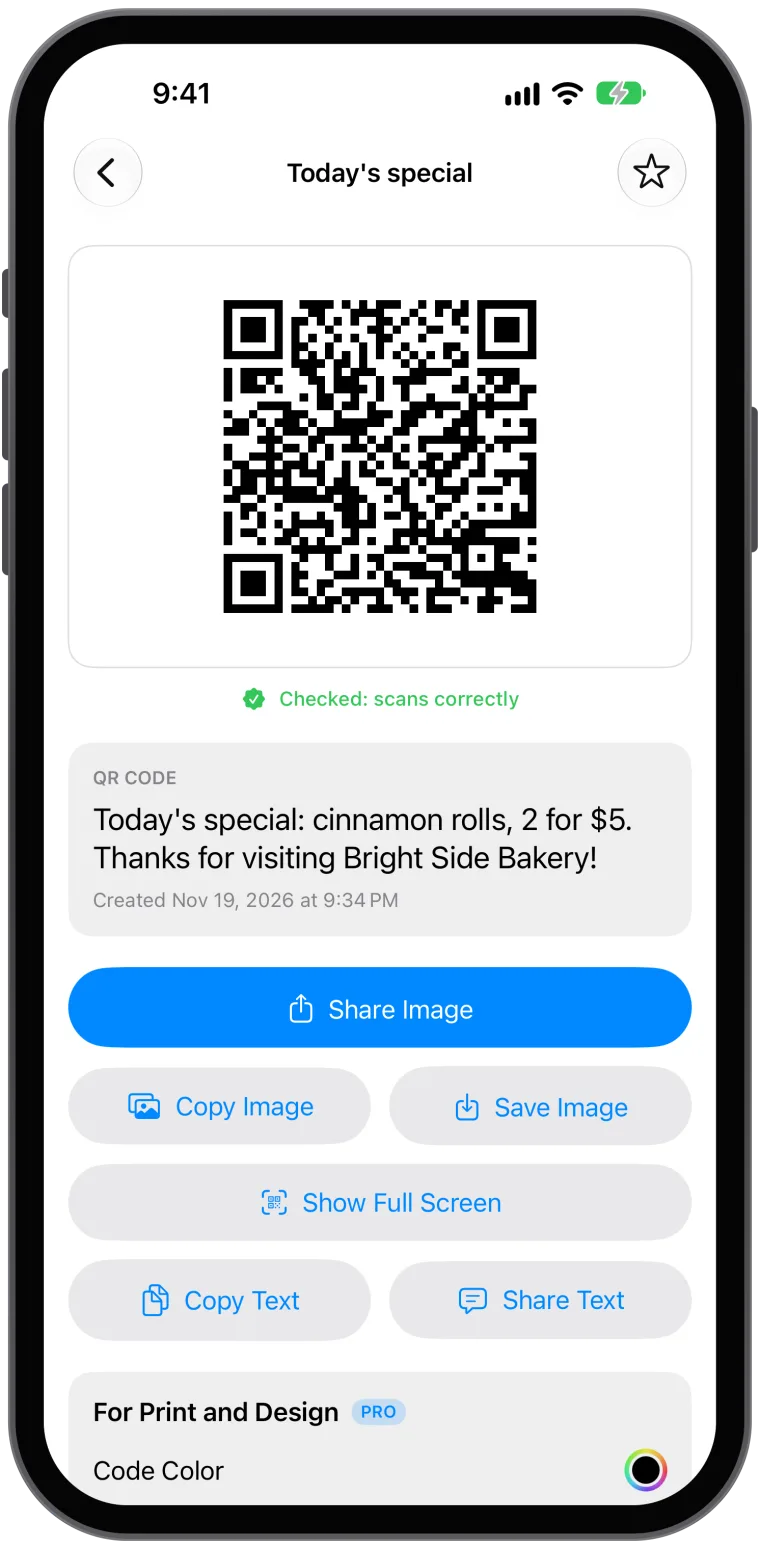
Tap Create QR Code, then print, share, copy, or save it.
Works offline
No internet, no website, no account
Because the words live inside the code, a text QR code works in a basement, a field, or a storeroom with no signal. Nothing to host, nothing to keep paying for.
Any characters: letters, numbers, accents, and emoji.
Several lines: a short list or a few instructions.
Keep it short: very long text (roughly 2,000 characters or more) is too much for one QR code; the preview won’t appear. Shorter text also makes a simpler code that’s easier to scan.
Copy Text on the scanning phone puts the words on the clipboard.
Real-life uses
Where a text QR code is handy
Short notes that belong right on the thing they describe.
Storage bin labels
What’s inside the bin, scanned without opening the lid.
Plant markers
The plant’s name, when it was planted, and how often to water it.
Equipment notes
The filter size, the last service date, or how to reset it.
Games and scavenger hunts
The next clue, hidden in a code.
Gift tags
A short message that only shows up when it’s scanned.
Places with no signal
Trail markers, basements, and storerooms, where a website link wouldn’t open.
Keep exploring
More of what Setrik QR does
Or see every Setrik QR feature on one page.
Website QR codes
A link to your site, menu, or review page, for flyers and signs.
See website QR codesWi-Fi QR codes
Guests scan to join your network. No more spelling out the password.
See Wi-Fi QR codesContact card QR codes
One scan adds you to someone’s Contacts. Made for business cards.
See contact card QR codesPrint and export
Share or save any code, or print-ready PDF, SVG and large images with Pro.
See printing and exportQuestions about text QR codes
Is a text QR code a text message?
No. It holds plain text that shows on the scanning phone. It doesn’t send a text message.
Does it need the internet?
No. The words are inside the code itself, so it works with no signal.
How much text can it hold?
Plenty for a note or a short list. Very long text, roughly 2,000 characters or more, is too much for one QR code.
Is it free?
Yes. Text QR codes are free to make, share, and save.
Turn your text into a QR code
Notes that work anywhere, even with no signal. Free to download, no ads.