Phone number QR code
Scan to call, no typing
A phone QR code holds a phone number. Scanning it offers to call, so nobody has to squint at a sticker and type the number in.
Free to make and share.
International numbers with a + work too.

Free to download · For iPhone · Requires iOS 26 or later
How it works
Make a phone QR code
1
Tap Create, then Phone
“Calls a number.”
2
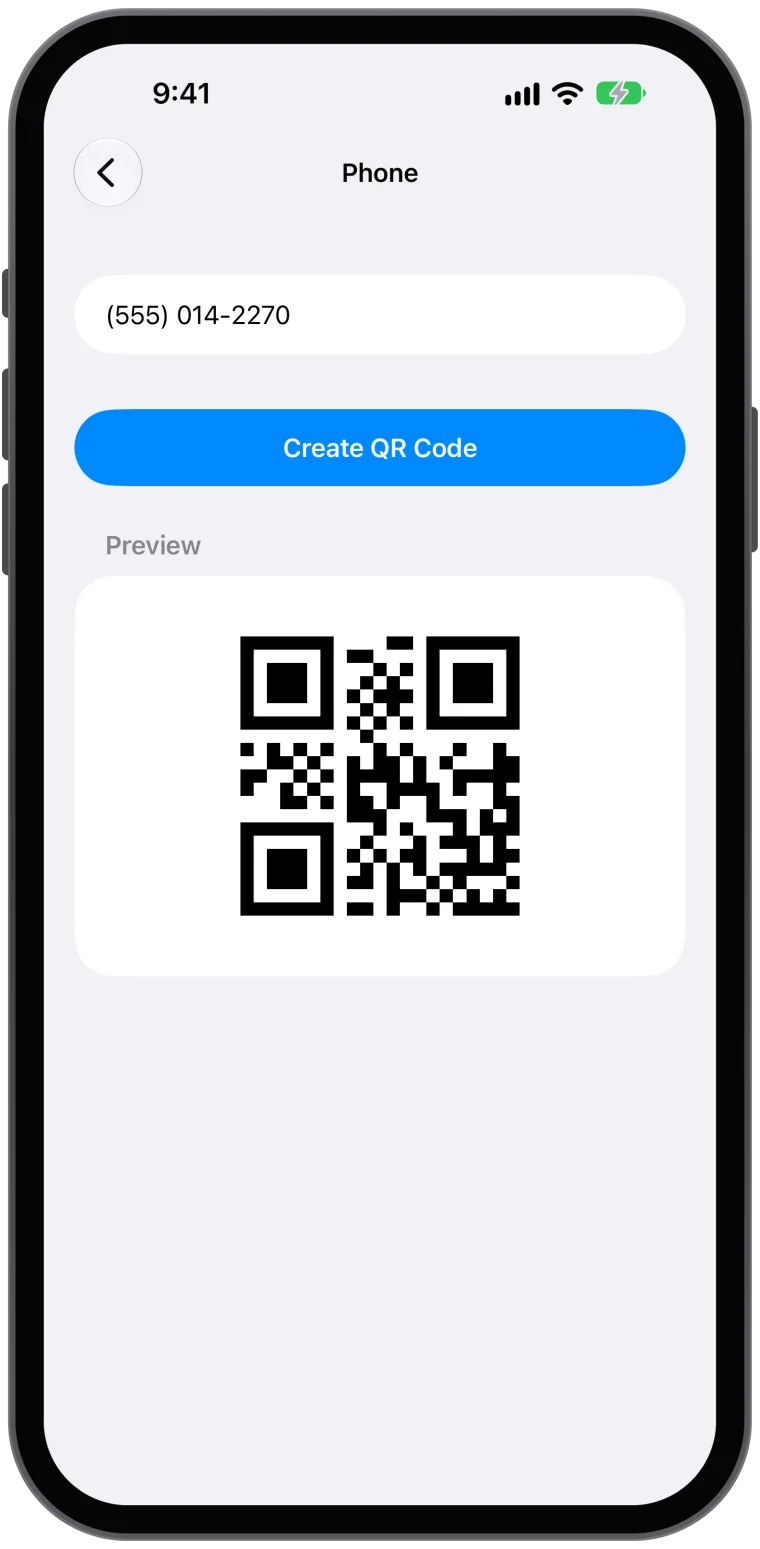
Type the number
Spaces, dashes, and brackets are fine; they’re removed for you. A leading + is kept.
3
Print it or share it
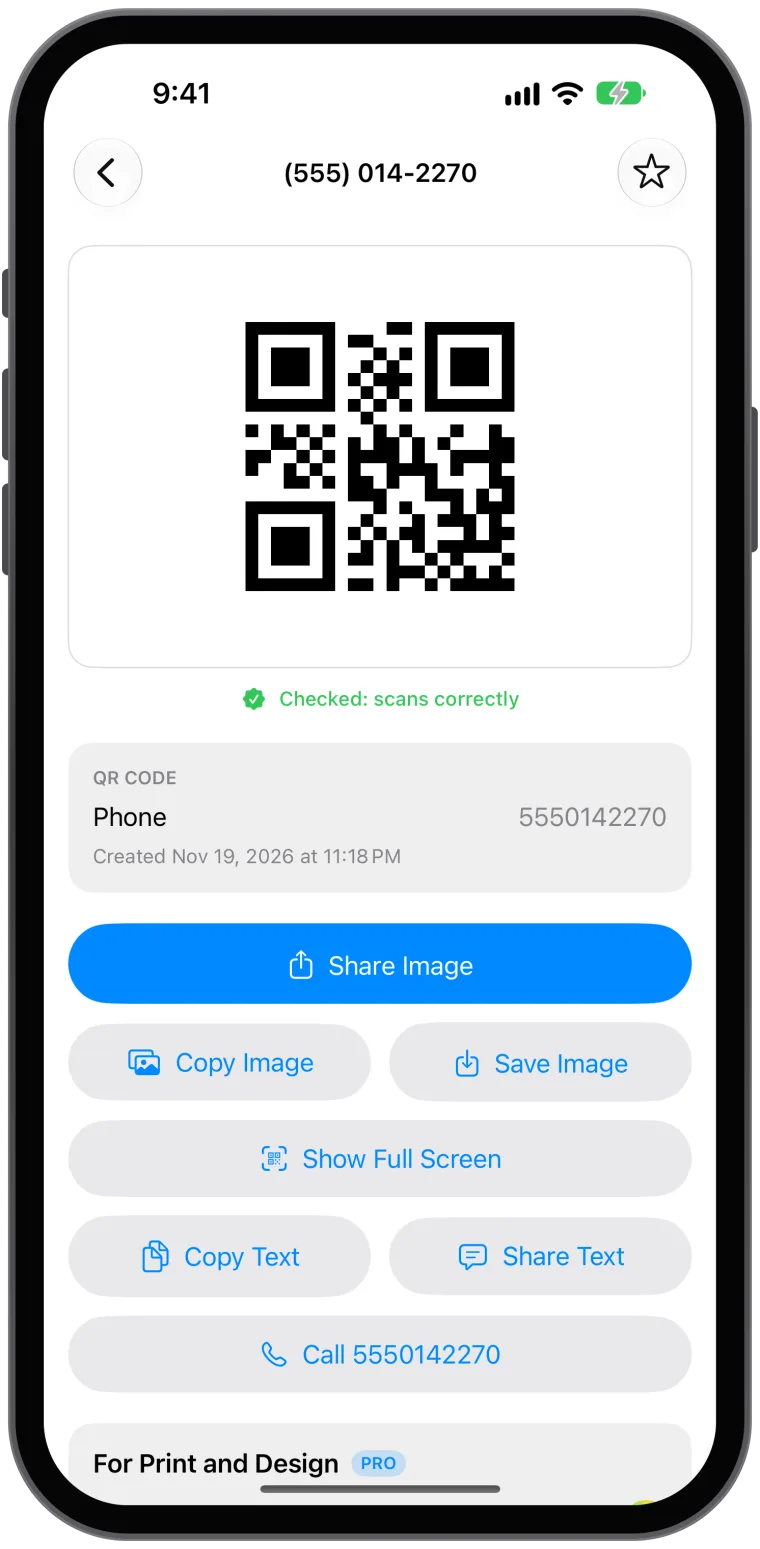
Tap Create QR Code. The finished code has a Call button so you can test it.
Simple on purpose
One field, checked for you
Type the number the way you’d write it. Setrik QR keeps the digits and the +, and names the code with the number as you typed it, so it’s easy to find later.
At least 3 digits, or the app asks you to enter a phone number.
International: start with + and the country code, like +44, for numbers people call from abroad.
Test it: the finished code has a Call button.
Real-life uses
Where a phone QR code saves a call from going nowhere
Anywhere the right number matters when something needs attention.
Service stickers on equipment
On the furnace, the water heater, or the copier: the service company’s number, one scan away.
Luggage tags
A tag that lets whoever finds your bag call you.
Pet tags
A small code on the collar so a neighbor can call you straight away.
Vans and job-site signs
“Call for a quote” with a code people can scan from the sidewalk.
After-hours signs
On the shop door: the number to call when you’re closed.
Building notices
The property manager’s number in the lobby or the laundry room.
Keep exploring
More of what Setrik QR does
Or see every Setrik QR feature on one page.
Website QR codes
A link to your site, menu, or review page, for flyers and signs.
See website QR codesWi-Fi QR codes
Guests scan to join your network. No more spelling out the password.
See Wi-Fi QR codesContact card QR codes
One scan adds you to someone’s Contacts. Made for business cards.
See contact card QR codesPrint and export
Share or save any code, or print-ready PDF, SVG and large images with Pro.
See printing and exportQuestions about phone QR codes
What happens when someone scans it?
Their phone shows the number and offers to call it. They tap to call; nothing dials by itself.
Can I use an international number?
Yes. Start with + and the country code. The + is kept in the code.
Can I add a name with the number?
A phone code holds just the number. To share a name, number, and email together, make a contact card QR code.
Is it free?
Yes. Phone QR codes are free to make, share, and save.
Make a phone QR code
The right number, one scan away. Free to download, no ads.