

The camera won't open
Fix "Camera Access Is Off" and other reasons the scanner doesn't start.
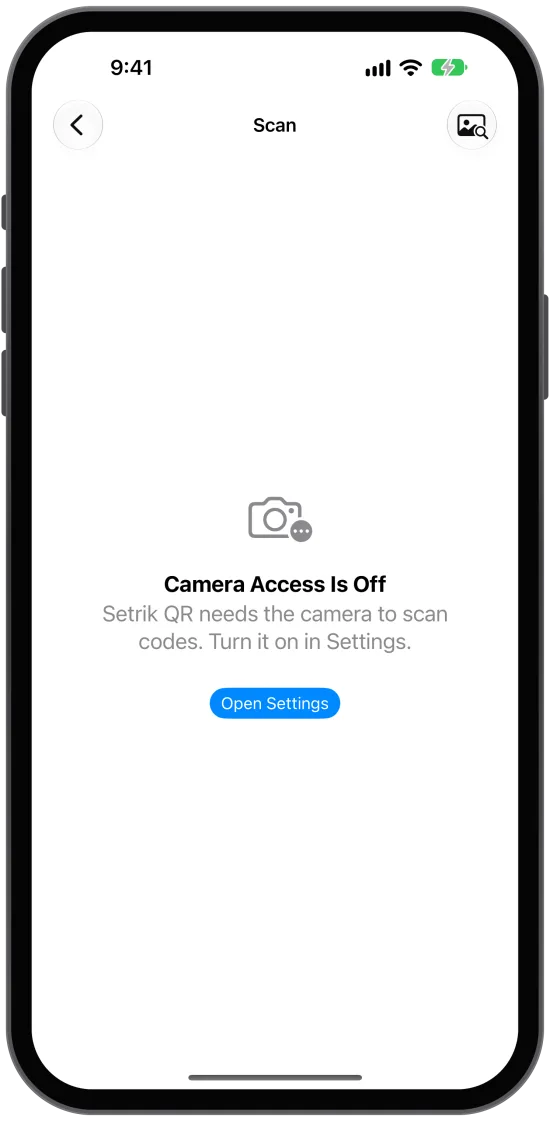
“Camera Access Is Off”
“Setrik QR needs the camera to scan codes. Turn it on in Settings.”
You’ll see this if you tapped Don’t Allow when the app asked, or if
camera use is limited (for example by Screen Time).
- Tap Open Settings.
- Turn on Camera.
- Go back to Setrik QR and tap Scan again.
“Scanning Isn’t Available”
“This device can’t run the live scanner. You can still read a code from a
photo.” Live scanning needs an iPhone XS or newer. From Photo at the
top right still works. Use
Scan a code from a photo or file (Pro)
instead.
Still no picture?
Close other apps that might be using the camera (like a video call), then
try again.
Related articles
Still stuck? Email contact@setriksoftware.com with your app version (Settings › About) and what you saw. If something went wrong in the app, sending the error log helps too. You can also browse the Help Center or the messages the app can show.